


DOTM Dec. Nom.



Veteran
Joined: Sep 2009
Posts: 426
Likes: 0
From: new glasgow, nova scotia

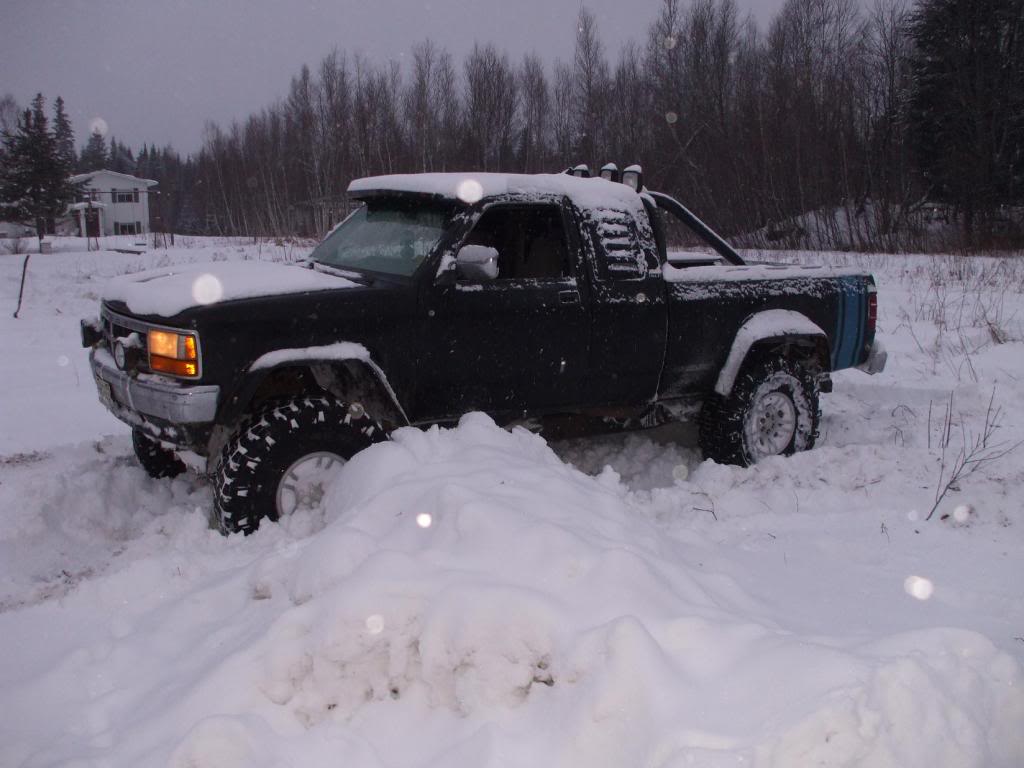
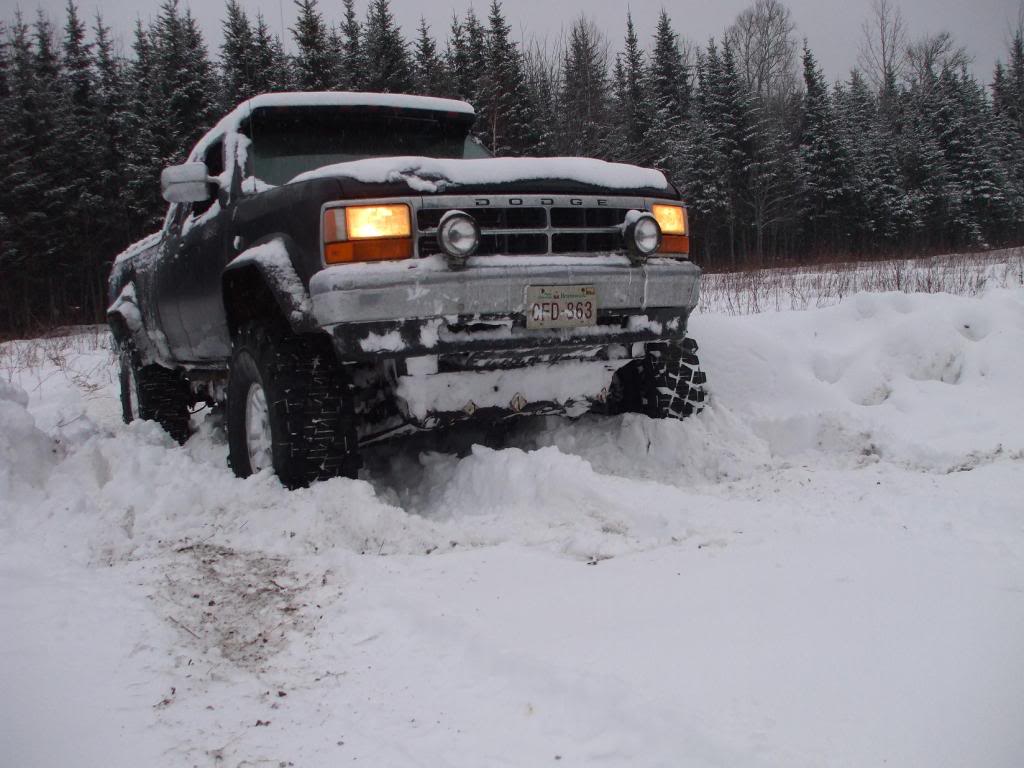
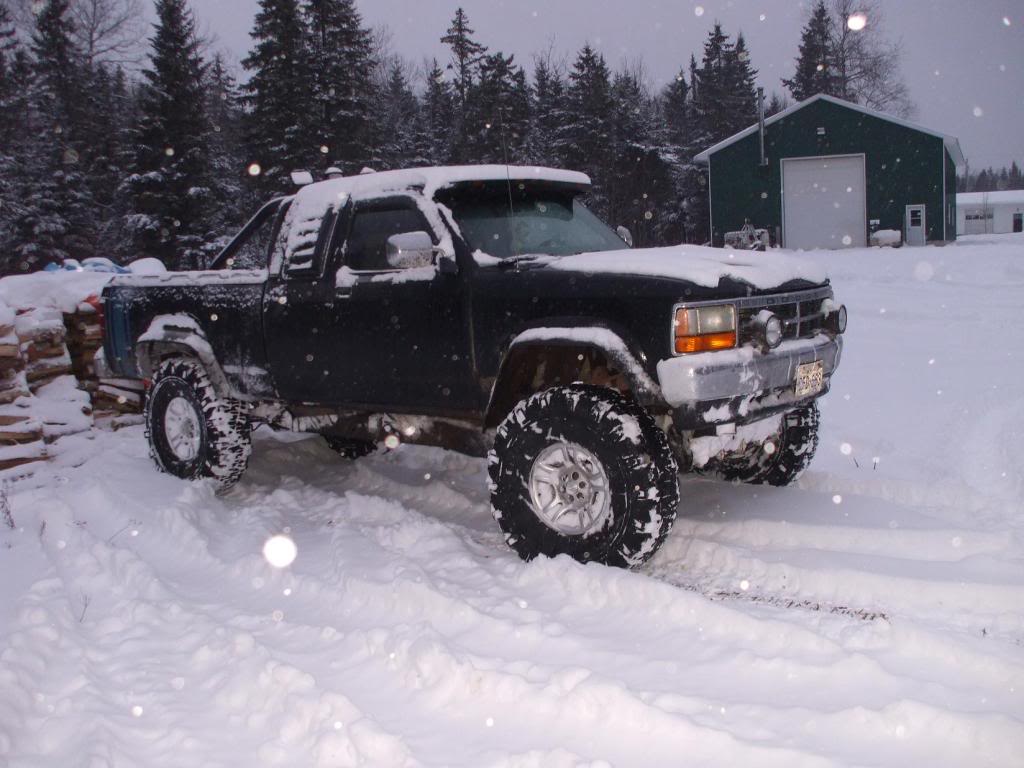
Got a first gen crazy, 89 dak 4x4 sport. she's shined up, new 2 inch lift and new 31's on her, just have to tell me how to post pictures. (i'm 47 and did not grow up with computers so keep it simple). technically it's not mine anymore, i sold it to my ex. but i still got the pictures. ooohhh bad mistake!
my setup is pretty simple and works great but blue is in a whole different league.
my setup is pretty simple and works great but blue is in a whole different league.
Last edited by mazda7475; Dec 15, 2009 at 11:26 PM.

Thread Starter
|
Hall Of Fame
Joined: Aug 2007
Posts: 10,923
Likes: 19
From: NM
Well we got someone for this month. But you can try next. And for pics here is how to.
To upload pictures.
You can create a photo album on this site, Go to "User CP" (Control panel). Near the top of each page in the black strip.
Or you can do a 3rd party website like www.photobucket.com or www.tinypic.com and use the photo link that uses the [IMG] tags.
Or upload it to the post by going to the "Go Advance" post tab next to "post reply" at the bottom then to "Manage Attachments" near the bottom. Then "Browse". Find th picture on your computer files. Then Upload.
To upload pictures.
You can create a photo album on this site, Go to "User CP" (Control panel). Near the top of each page in the black strip.
Or you can do a 3rd party website like www.photobucket.com or www.tinypic.com and use the photo link that uses the [IMG] tags.
Or upload it to the post by going to the "Go Advance" post tab next to "post reply" at the bottom then to "Manage Attachments" near the bottom. Then "Browse". Find th picture on your computer files. Then Upload.
Champion

Joined: May 2008
Posts: 4,839
Likes: 5
From: Apex, NC
To add to what Crazy said, using the attachments will give you the least amount of space for uploading pics. Using the on-site album will give you more, but creating an account on photobucket (or similar) will give you the most space for being able to upload lots of pictures.