



2013 Durango R/T - Putting pics on HDD


Thread Starter
|
Registered User
Joined: Apr 2013
Posts: 1
Likes: 0
 2013 Durango R/T - Putting pics on HDD
I am having a hard time transferring pictures to the HDD. I looked in the manual and followed instructions - I used a USB key and saved pics on it from my computer in jpg format but when I put it in the USB connection on the radio it tells me there are no files on the device. Anyone have a solution for this?

THE ULTI-MOD


Joined: Jan 2007
Posts: 19,797
Likes: 36
From: Union NJ


Captain
Joined: Jan 2013
Posts: 523
Likes: 0
From: NJ
could be the flash drive format, it may not like it, I'll try a few different drives I have tomorrow and confirm..
this is what you tried correct (assuming you have a 730N,
not sure about other models, cant be too different Id assume)
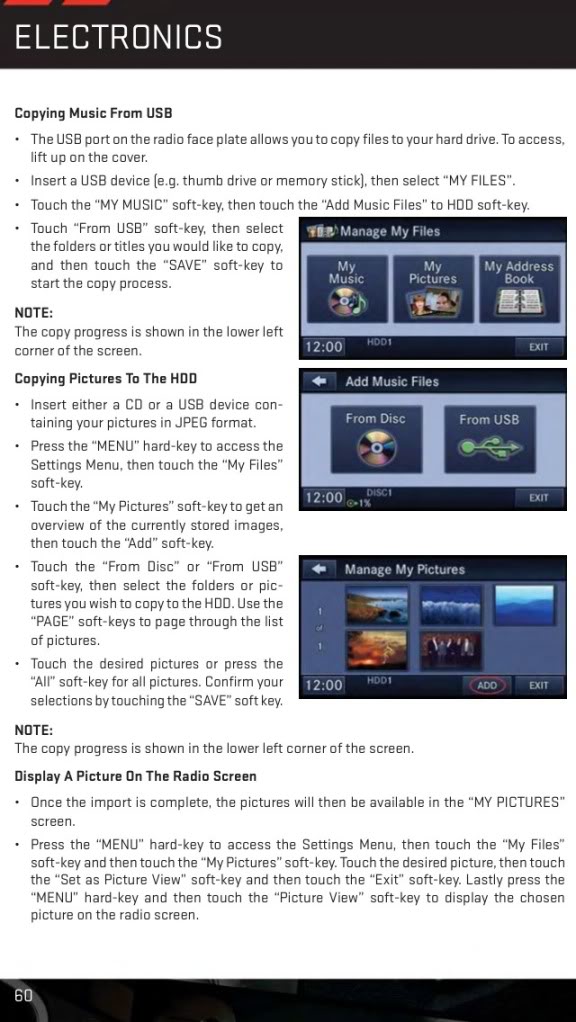
this is what you tried correct (assuming you have a 730N,
not sure about other models, cant be too different Id assume)
Captain
Joined: Jan 2013
Posts: 523
Likes: 0
From: NJ
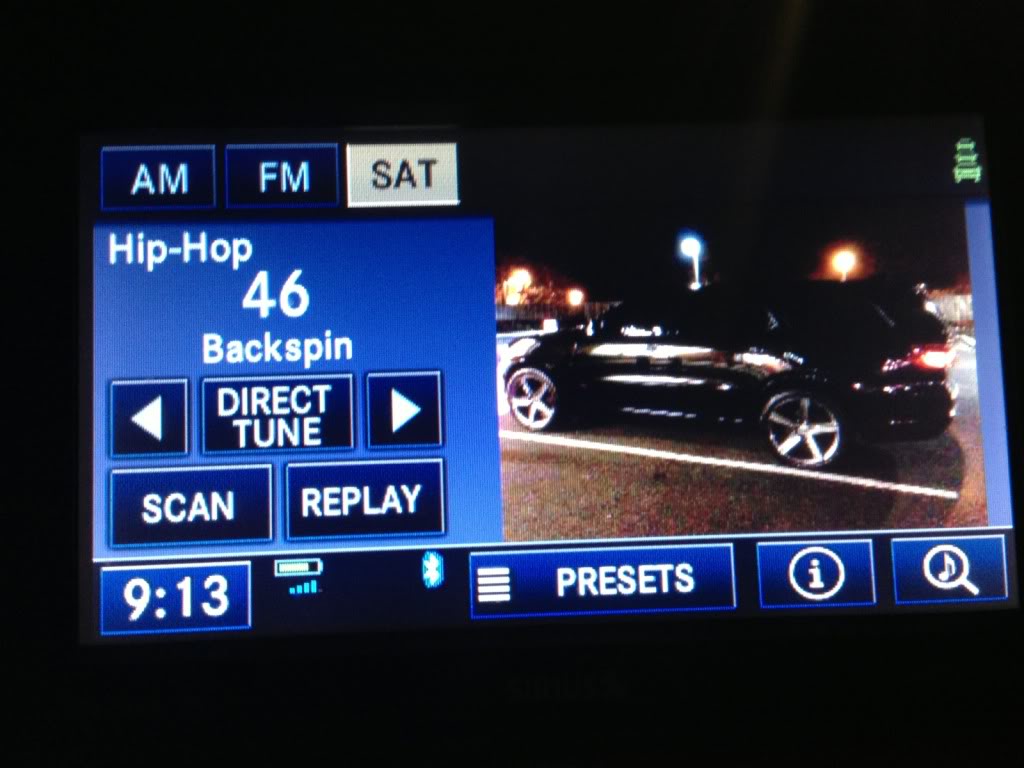
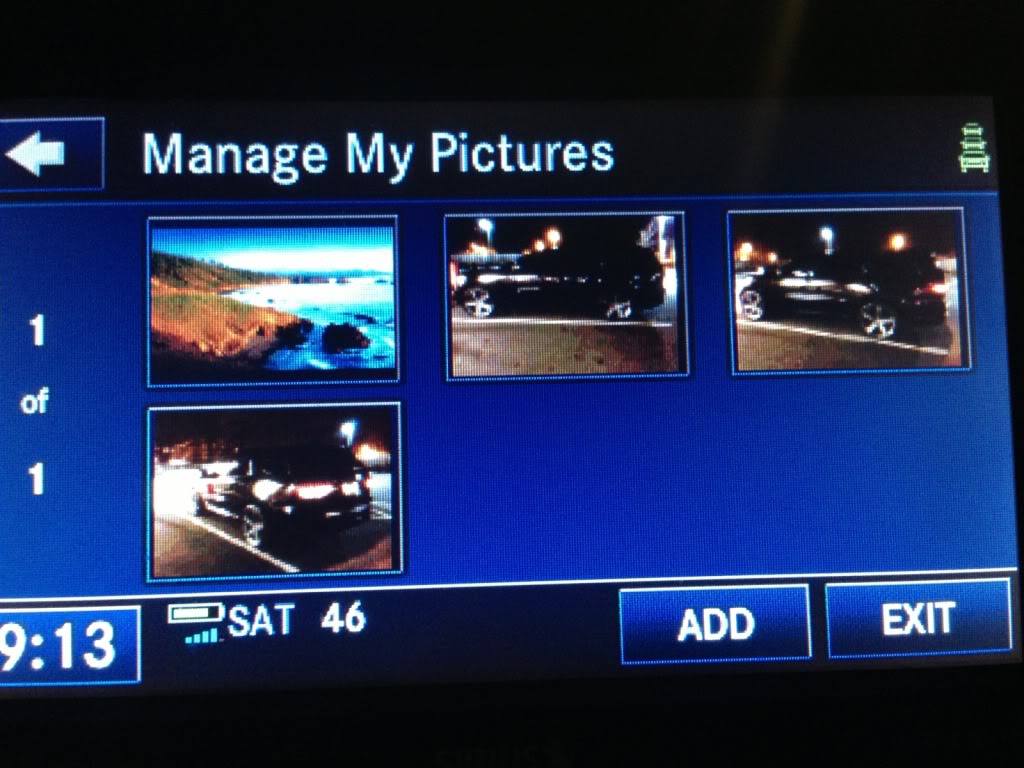
ok so my 730N is def a bit picky on at least a couple things:
1-USB drive formatting:
-doesnt like NTFS, wont read it.
-FAT32 was recognized (most USB Flash drives are FAT32 or FAT by default so unless you're a total techie by trade like me or by choice (also like me!) you'll likely have a FAT USB drive anyway
2- USB make/model - One of my FAT formatted drives (a kingston U3) made the 730N get stuck on stupid, it said it was importing pics but wasnt. I had to pull it out, stick in another USB drive just to wake it back up and make it realize I had pulled out the previous drive. Then it eventually just said drive not supported or not recognized
3- If my pics were in folders it didnt always see them, so I suggest leaving the pics in the root if the drive ( not in any folders, just drag pics to the drive itself and leave them that way)
In the end it recognized 3 FAT32 USB DRIVES from 3 different manufacturers..

1-USB drive formatting:
-doesnt like NTFS, wont read it.
-FAT32 was recognized (most USB Flash drives are FAT32 or FAT by default so unless you're a total techie by trade like me or by choice (also like me!) you'll likely have a FAT USB drive anyway
2- USB make/model - One of my FAT formatted drives (a kingston U3) made the 730N get stuck on stupid, it said it was importing pics but wasnt. I had to pull it out, stick in another USB drive just to wake it back up and make it realize I had pulled out the previous drive. Then it eventually just said drive not supported or not recognized
3- If my pics were in folders it didnt always see them, so I suggest leaving the pics in the root if the drive ( not in any folders, just drag pics to the drive itself and leave them that way)
In the end it recognized 3 FAT32 USB DRIVES from 3 different manufacturers..
