



Mopar steering wheel install how to and pics


 Mopar steering wheel install how to and pics
Very easy to do on the 2011+ Durango[/URL] ...
tools needed-----
*trim stick
*20 torx driver
*10mm socket
*10mm torx bit
FIRST---DISCONNECT the negative terminal from the battery using 10mm socket! The battery is located under the passenger seat of the durango/grandcherokee[/URL] Gather tools!
2-use trim stick to pry open two small covers on each side of wheel...just to the left and right of the audio controls. Use 10mm socket to remove each bolt. Airbag will pop off.
Remove small black harness from bag. next remove two yellow harnesses from bag. Each harness plug has an orange rectangle on top....use your fingernail to pull those straight OUT. Then use some force to pull plugs straight OUT. Airbag is off!
3-use 10mm Torx bit and remove single torx bolt from center of wheel. Its takes some force to get it started! Remove backing plate from wheel as well. Next pull wheel off and follow directions from Grant printout or just remove 4 20 torx screws on back of wheel and switch parts and spokes over. Its VERY easy and took me 20 minutes to do ALL! Heres the results!
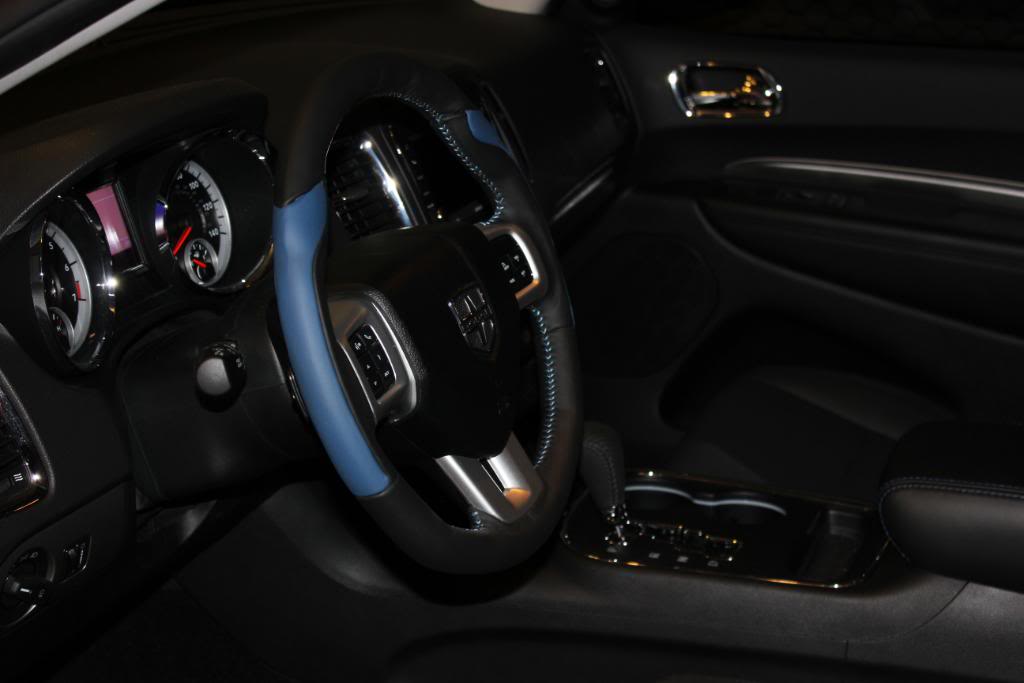
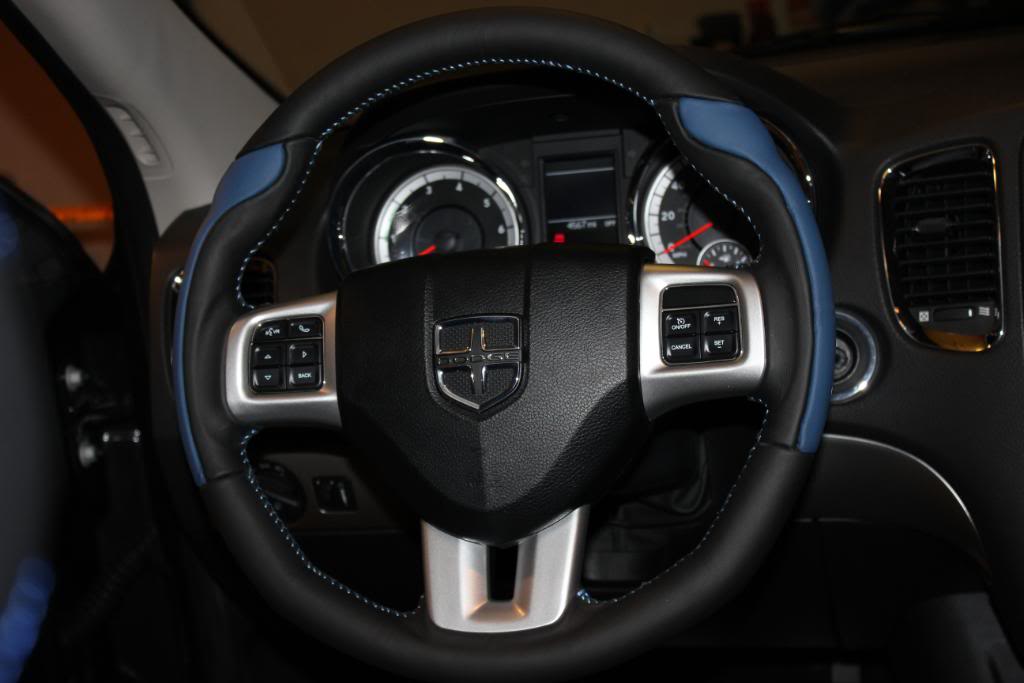
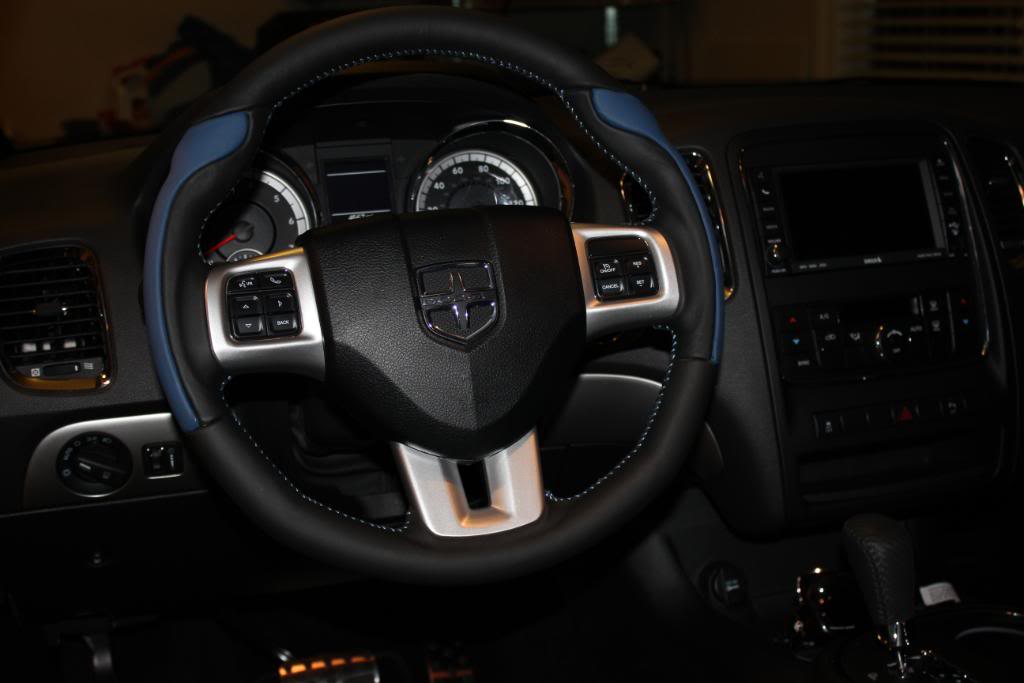
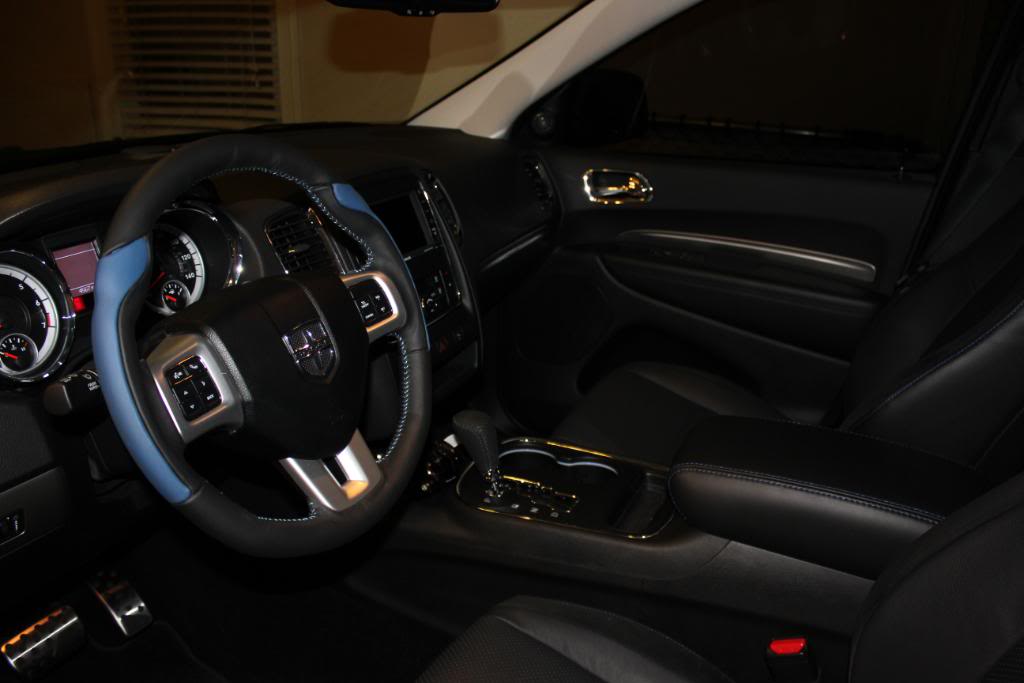
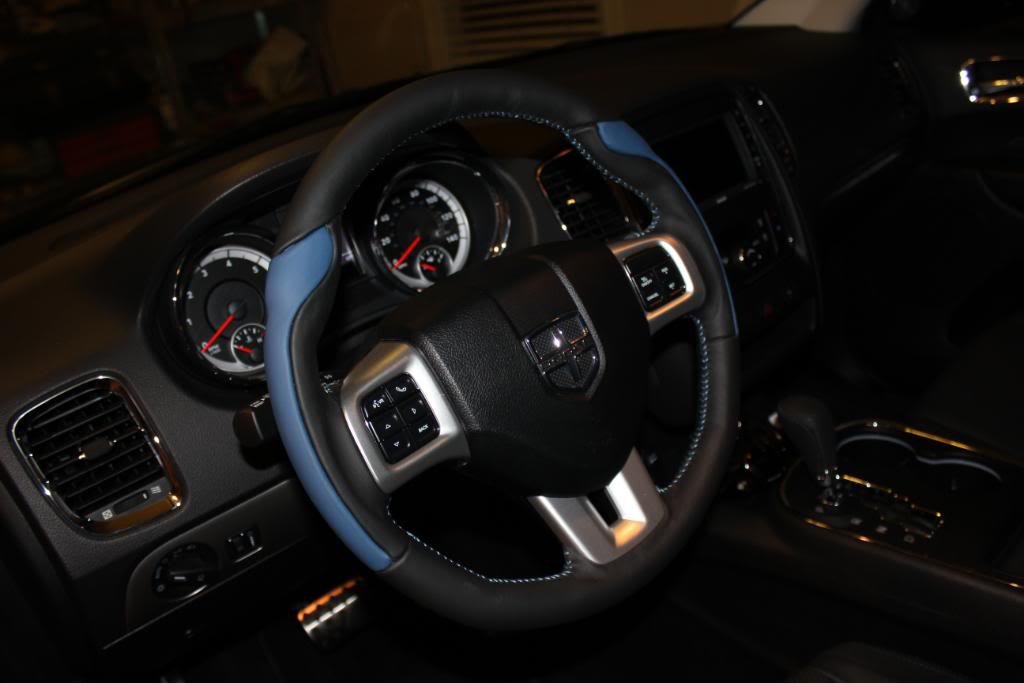
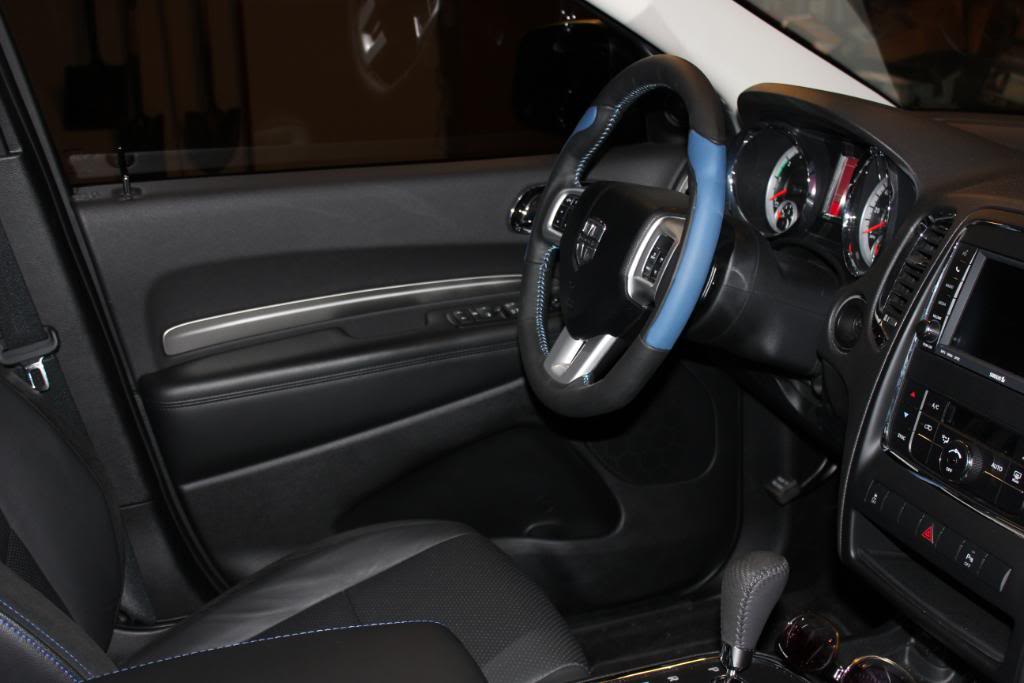
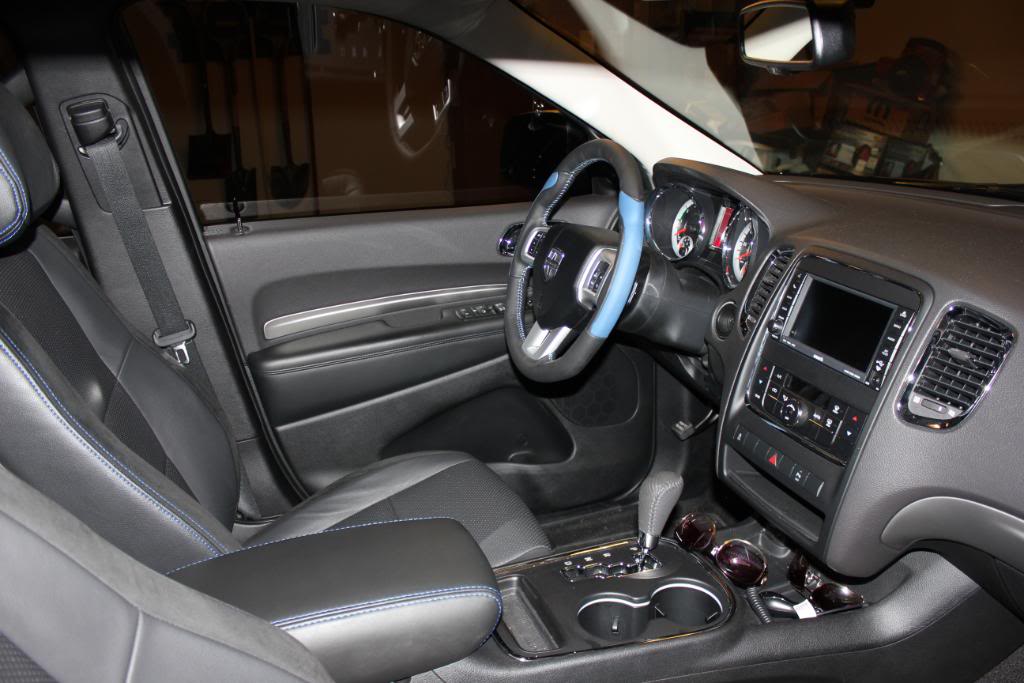
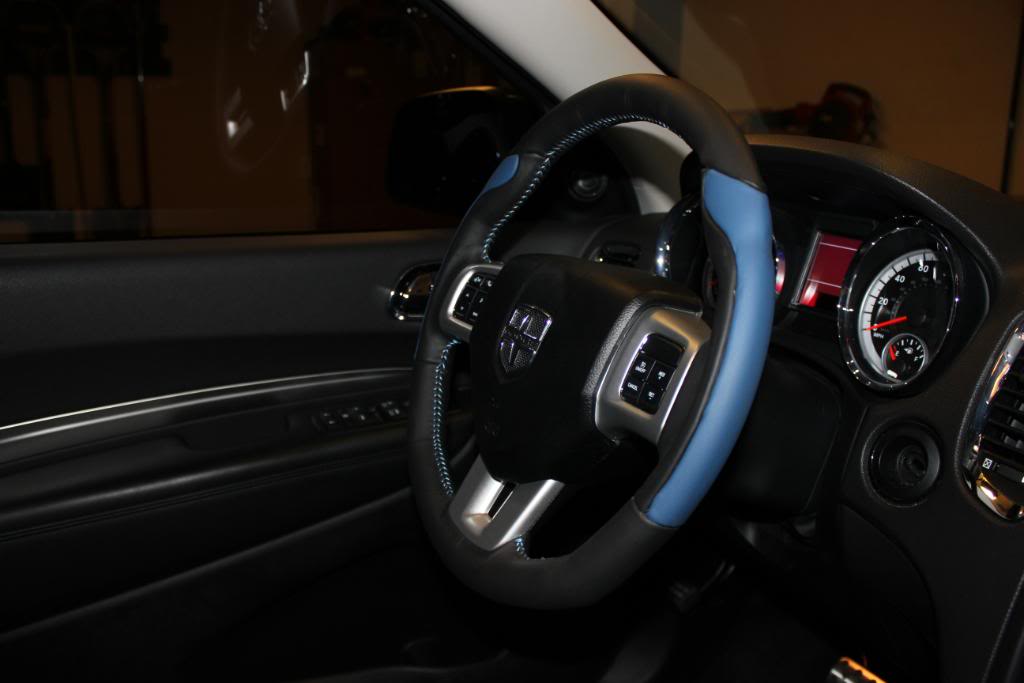
tools needed-----
*trim stick
*20 torx driver
*10mm socket
*10mm torx bit
FIRST---DISCONNECT the negative terminal from the battery using 10mm socket! The battery is located under the passenger seat of the durango/grandcherokee[/URL] Gather tools!
2-use trim stick to pry open two small covers on each side of wheel...just to the left and right of the audio controls. Use 10mm socket to remove each bolt. Airbag will pop off.
Remove small black harness from bag. next remove two yellow harnesses from bag. Each harness plug has an orange rectangle on top....use your fingernail to pull those straight OUT. Then use some force to pull plugs straight OUT. Airbag is off!
3-use 10mm Torx bit and remove single torx bolt from center of wheel. Its takes some force to get it started! Remove backing plate from wheel as well. Next pull wheel off and follow directions from Grant printout or just remove 4 20 torx screws on back of wheel and switch parts and spokes over. Its VERY easy and took me 20 minutes to do ALL! Heres the results!


Champion
Joined: Mar 2012
Posts: 3,560
Likes: 1
From: Old Bridge,NJ

Atta boy... mine showed up late yesterday hopefully I get some time later or tomorrow to get it on!!

