2nd Gen Ram Tech 1994-2001 Rams: This section is for TECHNICAL discussions only, that involve the 1994 through 2001 Rams. For any non-tech discussions, please direct your attention to the "General discussion/NON-tech" sub sections.

Can someone resize my sig picture?

Thread Tools
 
Search this Thread
 
Old May 3, 2009 | 09:15 AM
  #1  
hovie's Avatar
hovie
Thread Starter
|
Registered User
Joined: Apr 2009
Posts: 41
Likes: 0
Default Can someone resize my sig picture?

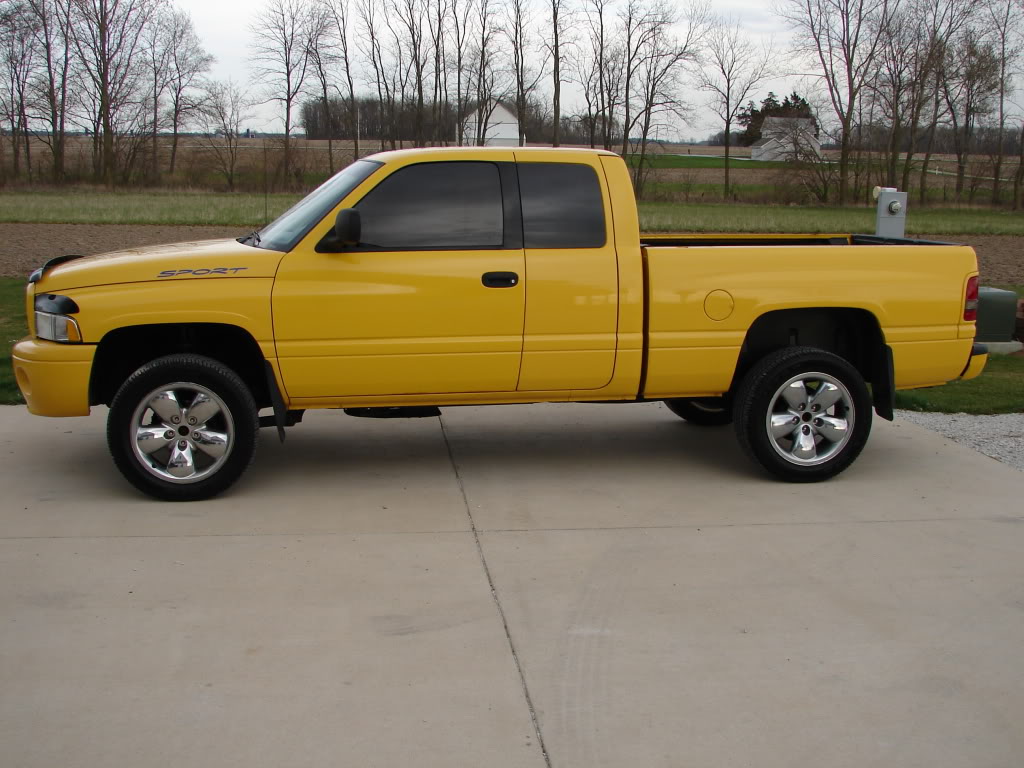
Can someone downsize this pic so it will work in my sig? Haven't got around to figuring out my mac and downsizing and all. Thanks Eric


Name:  DSC06912.jpg
Views: 40
Size:  133.0 KB
 
Reply
Old May 3, 2009 | 09:38 AM
  #2  
zman17's Avatar
zman17
Retired Moderator - RIP
Joined: May 2008
Posts: 18,729
Likes: 17
From: NH
Default

I'll give it a shot.
 
Reply
Old May 3, 2009 | 09:45 AM
  #3  
zman17's Avatar
zman17
Retired Moderator - RIP
Joined: May 2008
Posts: 18,729
Likes: 17
From: NH
Default

 
Reply
Old May 3, 2009 | 10:03 AM
  #4  
hovie's Avatar
hovie
Thread Starter
|
Registered User
Joined: Apr 2009
Posts: 41
Likes: 0
Default

Thanks bud. I will give it a try. I've had it re-sized a few times but wasnt showing up on my actual sig. Trying to figure it out. Thanks again.


Eric
 
Reply
Old May 3, 2009 | 10:14 AM
  #5  
hovie's Avatar
hovie
Thread Starter
|
Registered User
Joined: Apr 2009
Posts: 41
Likes: 0
Default

I guess it wasn't me. Every time I put a pic in my sig it accepts it, but when I go to check it out on a post it show nothing. Any ideas?


Thanks
 
Reply
Old May 3, 2009 | 10:37 AM
  #6  
zman17's Avatar
zman17
Retired Moderator - RIP
Joined: May 2008
Posts: 18,729
Likes: 17
From: NH
Default

add this in your signature line [SIGPIC][/SIGPIC]
 
Reply
Old May 3, 2009 | 10:37 AM
  #7  
dakotas ram's Avatar
dakotas ram
Champion
Joined: Jul 2008
Posts: 3,430
Likes: 2
From: NW Arkansas
Default

take it to tinypic.com and then copy and paste the code it gives you into your sig
 
Reply
Old May 3, 2009 | 11:23 AM
  #8  
hovie's Avatar
hovie
Thread Starter
|
Registered User
Joined: Apr 2009
Posts: 41
Likes: 0
Default

Got it to work. Thanks guys.
 
Reply
Old May 3, 2009 | 11:28 AM
  #9  
zman17's Avatar
zman17
Retired Moderator - RIP
Joined: May 2008
Posts: 18,729
Likes: 17
From: NH
Default

How? Did you just add [SIGPIC][/SIGPIC] or do something else?
 
Reply
Old May 3, 2009 | 11:49 AM
  #10  
hovie's Avatar
hovie
Thread Starter
|
Registered User
Joined: Apr 2009
Posts: 41
Likes: 0
Default

Well I did go in and add the [SIG/] and it did work but it had those symbols on each side of the picture. So seeing that I figured the link was working without those having to be there anymore so I went back in and took them out since they were showing up on the outside of the pic and the pic stayed, like I thought it would. It's like the [SIG/] made it work than i just took it out.

 
Reply


All times are GMT -4. The time now is 10:02 AM.